
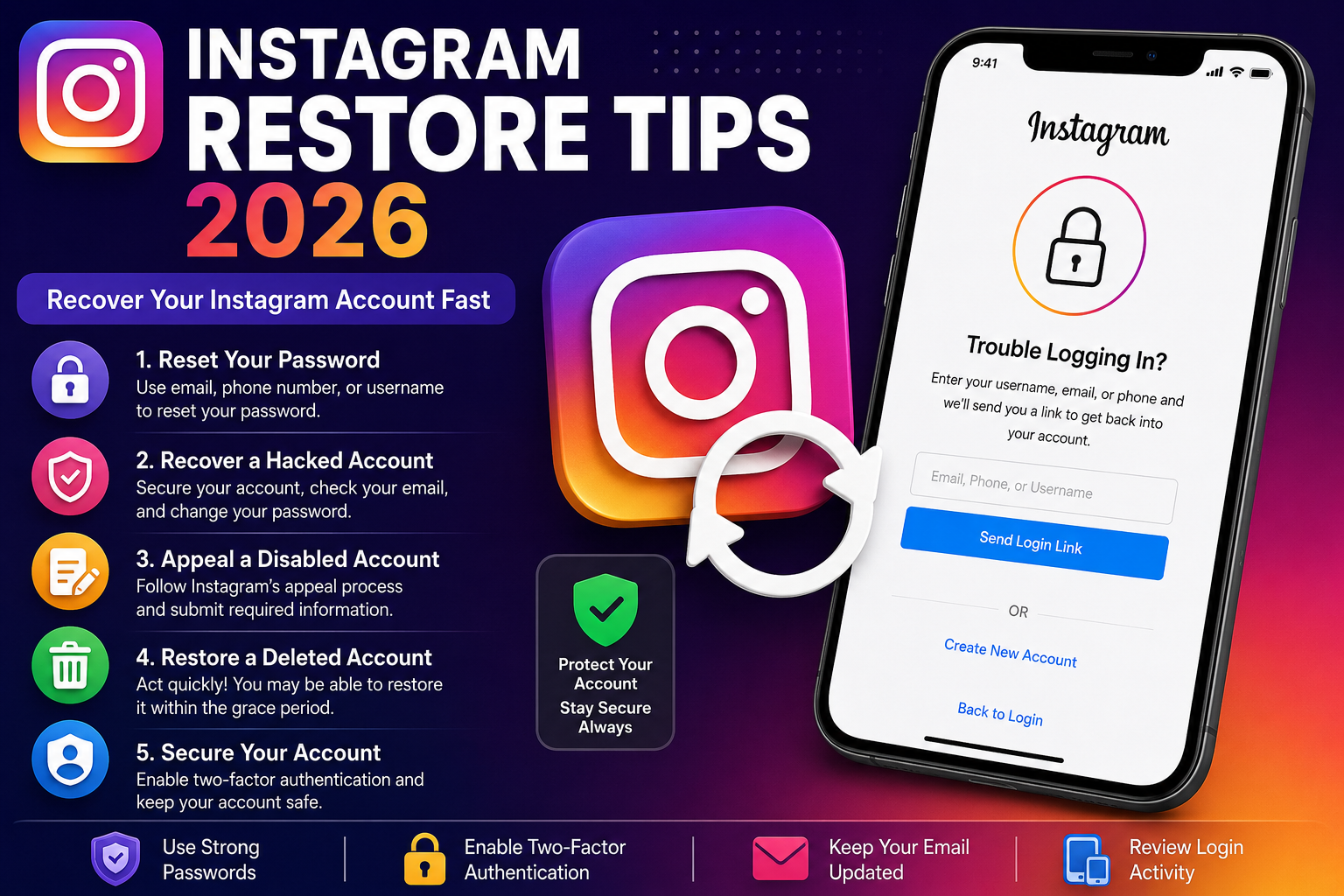
Losing access to your Instagram account can be frustrating, especially if you use it for business, content creation, or staying connected with friends. Whether your account has been hacked, disabled, suspended, or you simply forgot your password, there are several ways to restore it.
In this guide, we’ll cover the most effective Instagram restore tips for 2026, including the latest recovery methods, security recommendations, and common mistakes to avoid.
Why Instagram Accounts Get Disabled or Locked
Before attempting to restore your account, it’s important to understand why access may have been lost.
Common reasons include:
-
Violating Instagram’s Community Guidelines
-
Suspicious login activity
-
Using third-party automation apps
-
Phishing or hacking attempts
-
Forgotten password
-
Temporary security lock
-
Account impersonation reports
Knowing the cause helps you choose the right recovery method.
1. Reset Your Instagram Password
If you simply forgot your password, recovery is straightforward.
Steps:
-
Open the Instagram login page.
-
Tap or click Forgot Password?
-
Enter your email address, phone number, or username.
-
Follow the verification instructions.
-
Create a strong new password.
Use a password you haven’t used on other websites.
2. Recover a Hacked Instagram Account
If someone else gained access to your account:
-
Check your email for messages from Instagram about account changes.
-
If your email address was changed, use the “Secure your account” option in the email immediately.
-
Request a login link from Instagram.
-
Complete identity verification if requested.
-
Change your password as soon as access is restored.
Also enable two-factor authentication after recovery.
3. Appeal a Disabled Instagram Account
Sometimes Instagram disables accounts for policy violations or automated detection.
To appeal:
-
Log into your account.
-
Follow the appeal instructions displayed on screen.
-
Provide accurate information.
-
Upload identification if requested.
-
Wait for Instagram’s review.
Avoid submitting multiple appeals repeatedly, as this usually doesn’t speed up the review process.
4. Restore a Deleted Instagram Account
There are two situations:
Recently Deleted
If you recently requested deletion, you may still be able to cancel it during Instagram’s grace period before permanent removal.
Permanently Deleted
If the deletion has already been completed, the account generally cannot be recovered. You’ll usually need to create a new account.
5. Fix “We Suspended Your Account” Errors
Many users see suspension messages due to unusual activity.
Try these steps:
-
Verify your phone number.
-
Verify your email address.
-
Remove VPN connections if you’re using one.
-
Wait 24–48 hours if it’s a temporary restriction.
-
Complete identity verification if prompted.
Patience is important, as some reviews take several days.
6. Secure Your Account After Recovery
Once your account is restored:
-
Enable two-factor authentication.
-
Change your password.
-
Review connected devices.
-
Remove unknown third-party apps.
-
Update your recovery email and phone number.
-
Watch for suspicious login alerts.
These steps significantly reduce the risk of future account compromise.
7. Avoid These Common Recovery Mistakes
Many users accidentally delay recovery by making avoidable errors.
Don’t:
-
Buy Instagram recovery services from strangers.
-
Share verification codes.
-
Give your password to anyone.
-
Use fake recovery websites.
-
Submit dozens of appeals in one day.
-
Download unofficial recovery tools.
Instagram will never ask for your password through direct messages.
Frequently Asked Questions
How long does Instagram account recovery take?
Password resets usually take only a few minutes. Appeals for disabled accounts may take anywhere from several hours to a few weeks, depending on the situation.
Can a permanently deleted Instagram account be recovered?
In most cases, no. Once permanent deletion is complete, recovery is generally not possible.
Is it safe to use third-party Instagram recovery services?
No. Many services promising guaranteed account recovery are scams. Always use Instagram’s official recovery process.
What is the best way to protect an Instagram account?
Use a strong password, enable two-factor authentication, keep your email secure, and avoid suspicious links or unofficial apps.
Final Thoughts
Recovering an Instagram account in 2026 is often possible if you act quickly and follow the correct recovery process. Whether your account was hacked, disabled, suspended, or temporarily locked, using Instagram’s official recovery methods gives you the best chance of success.
After restoring your account, strengthen its security with two-factor authentication, updated recovery information, and safe browsing habits. A few preventive measures today can help you avoid losing access again in the future.
By following these Instagram restore tips for 2026, you’ll maximize your chances of getting back into your account safely and keeping it protected for the long term.